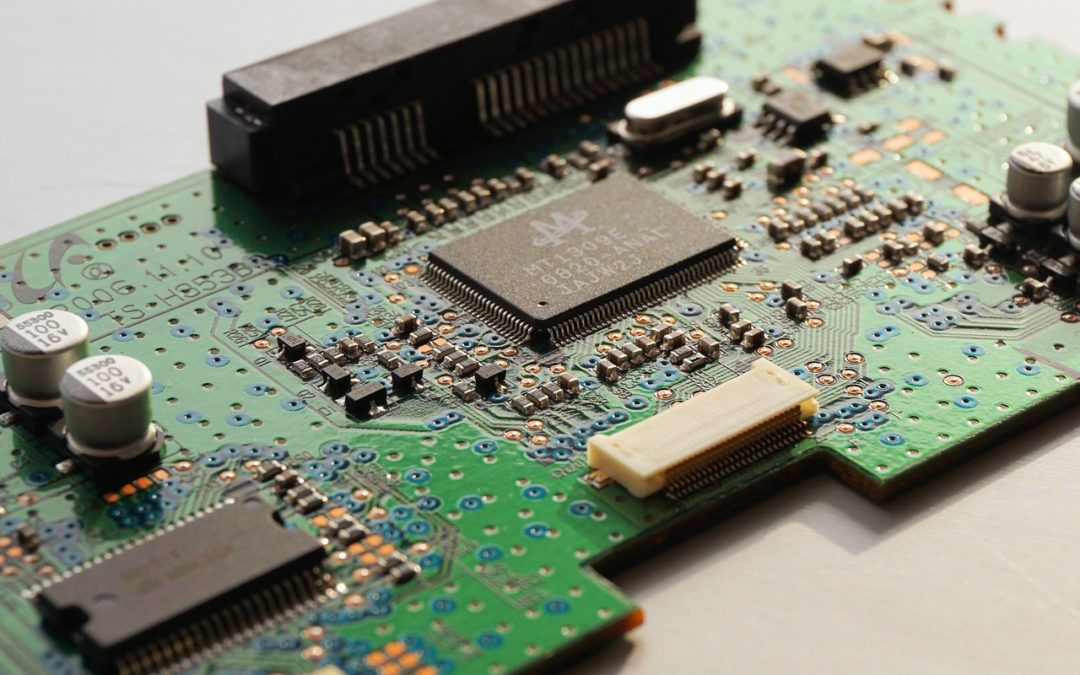
When dealing with computers, you will eventually hear the term “Device Driver” used and may wonder what exactly this is and what you need to know about it. To answer that question a device driver is a piece of software that that runs on your computer that allows the operating system to communicate with and control a piece of hardware.
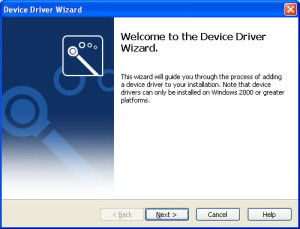
A device driver installation wizards screen from Windows XP.
It is a requirement that every piece of hardware running on a computer has to have a device driver installed for it to operate correctly. This is needed for every operating system even if it is Windows, Mac or Linux.
It is essentially the code or “glue” that allows your operating system to talk to the physical hardware.
Now when I say hardware I mean every piece of hardware in your computer has to have a device driver installed for it, this includes your mouse, keyboard, video card, sound card, printer, etc.
The majority of the most common pieces of hardware will have their device drivers included with the operating installation if they are not then they will always be included on a disc that is given to you when you purchase a piece of hardware. Otherwise Failing that they are always available for download from the device manufacturer website.
How does this concern in your day to day use of the computer?
Well if everything is running fine then it probably won’t, but if a piece of hardware begins to stop working correctly or starts behaving strangely then one of the first troubleshooting steps on any operating system, in any situation is to update the device driver for that hardware to the latest version.
This is a universal troubleshooting step and one that anyone with any IT experience will do when they first start to troubleshoot a hardware problem. The hardware manufacturers frequently release new versions of the driver software with bug fixes, patches and new features. So it naturally makes sense to try this first to see if it resolves any issues.
It can also be a good preventative maintenance task to update all the drivers on your computer to the latest version every few months.
The other way this concerns you is if you attach a new piece of hardware to your computer then it will need drivers installed for it before it can be used correctly.
So, in essence, a device driver is software that lets your operating system talk to your hardware, it will need to be installed for all hardware on your computer and for any new hardware that is attached to it. Also, a very common troubleshooting step and preventative maintenance procedure are to update your device drivers to the latest versions released by the manufacturer.